
A lot of older deeds don’t use decimal feet. They use older measurements like chains, links, or rods.
Before you can even start drawing the deed & legal description in AutoCAD or Civil 3D, you have to figure out what those measurements actually mean today. You end up sitting at your desk converting every single line into feet before you can actually do any drafting.
Doing the Math By Hand
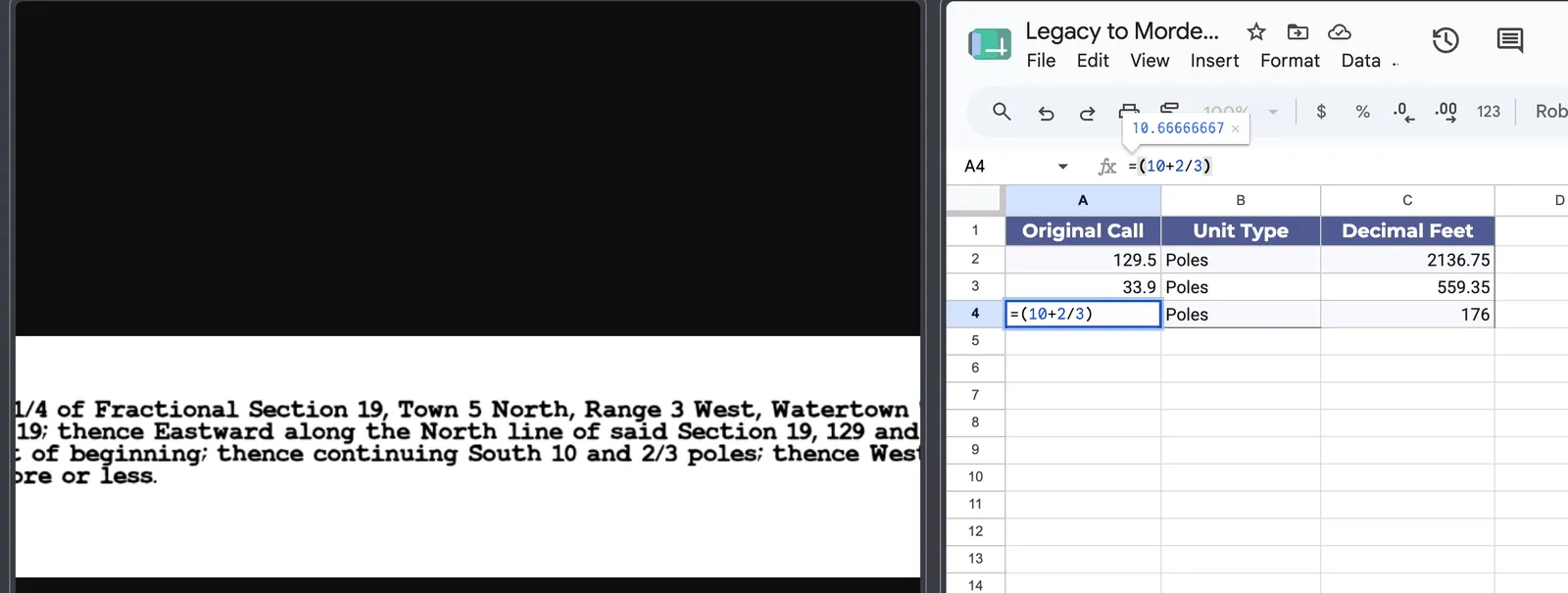
Converting Every Line
If a deed has 30 or 40 calls using chains and links, doing the unit conversion takes a lot of time. It is tedious work, and it’s really easy to make a math mistake along the way.
Straight to DXF
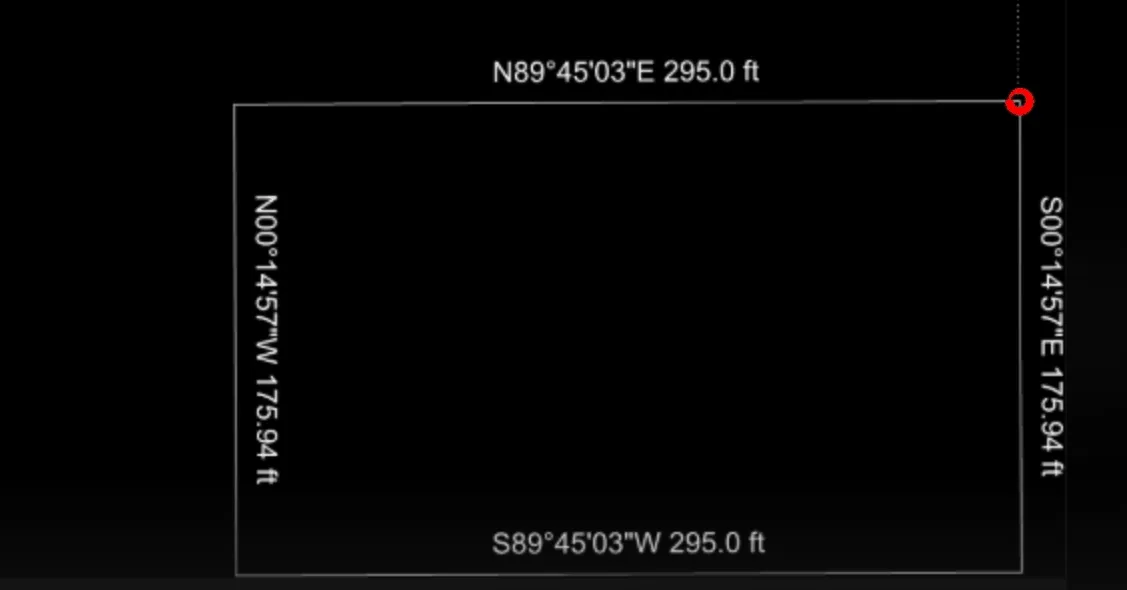
Skip the Math
EZBounds recognizes these old units when it scans the page. It automatically does the math and converts them into standard units for you.
Instead of doing the math and typing it into CAD, you just hit export. The app gives you a DXF file that you can open right up, fully drawn and ready to go.
Terms in this article
Every term this post uses, defined. Each one has its own page with more detail.
- call
- One leg of the boundary — a single bearing and distance, or a single curve.
- chain
- An old surveying unit: 66 feet, or 100 links.
- deed
- The recorded document that transfers land, containing its legal description.
- DXF
- A CAD drawing exchange format that opens in AutoCAD, Civil 3D, and the rest.
- legal description
- The written text in a deed that defines exactly which piece of land is conveyed.
- rod
- 16.5 feet — a quarter of a chain. Also called a pole or perch.
Try It On This Post's Data
Capture, download, or open these specific examples to test the extraction.

